
Learn Spillway videos
Five short videos take you through the first steps of Spillway CMS: signing in, the admin, the page builder, the media library and releases.
Each video is one to two and a half minutes long, has no sound, and comes with captions and a transcript of every step. The written guides in the documentation cover the same tasks and everything that comes after them.
1. Sign in and turn on two-step sign-in
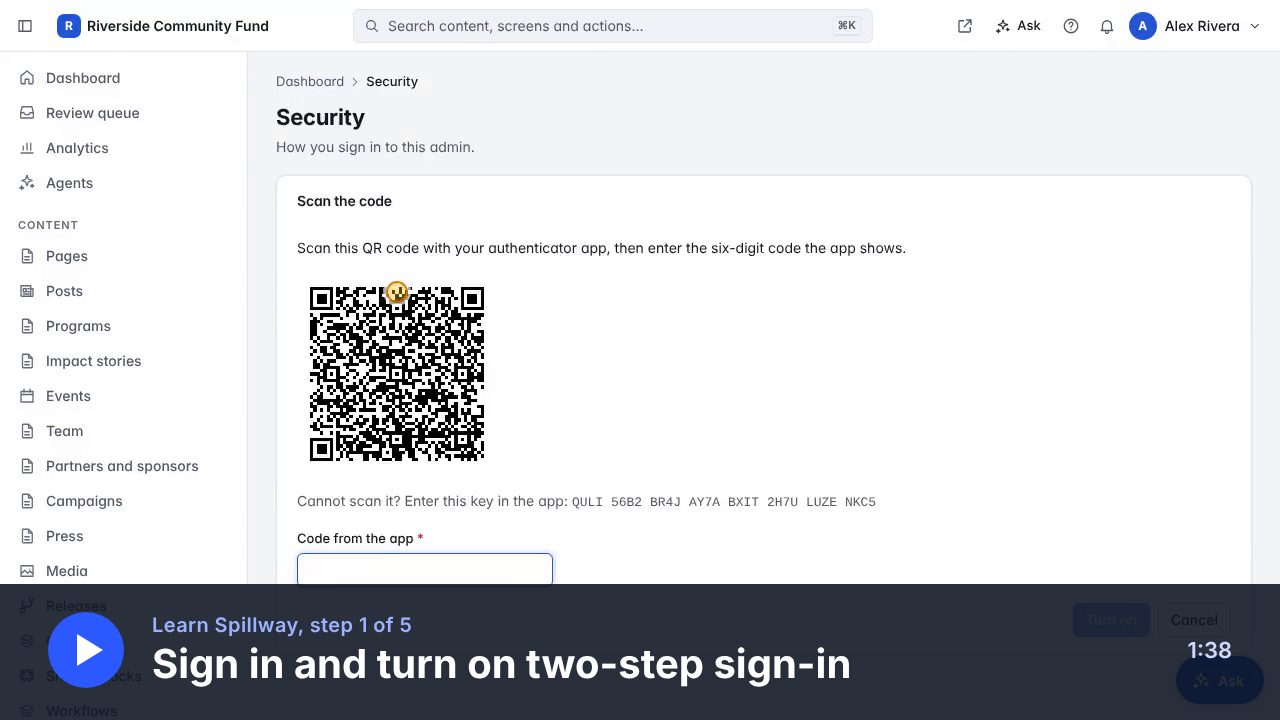
This video shows how to sign in to the Spillway admin, turn on two-step sign-in with an authenticator app, save the recovery codes and sign in with a code. Watch it, with the transcript (1:38).
2. Find your way around the admin
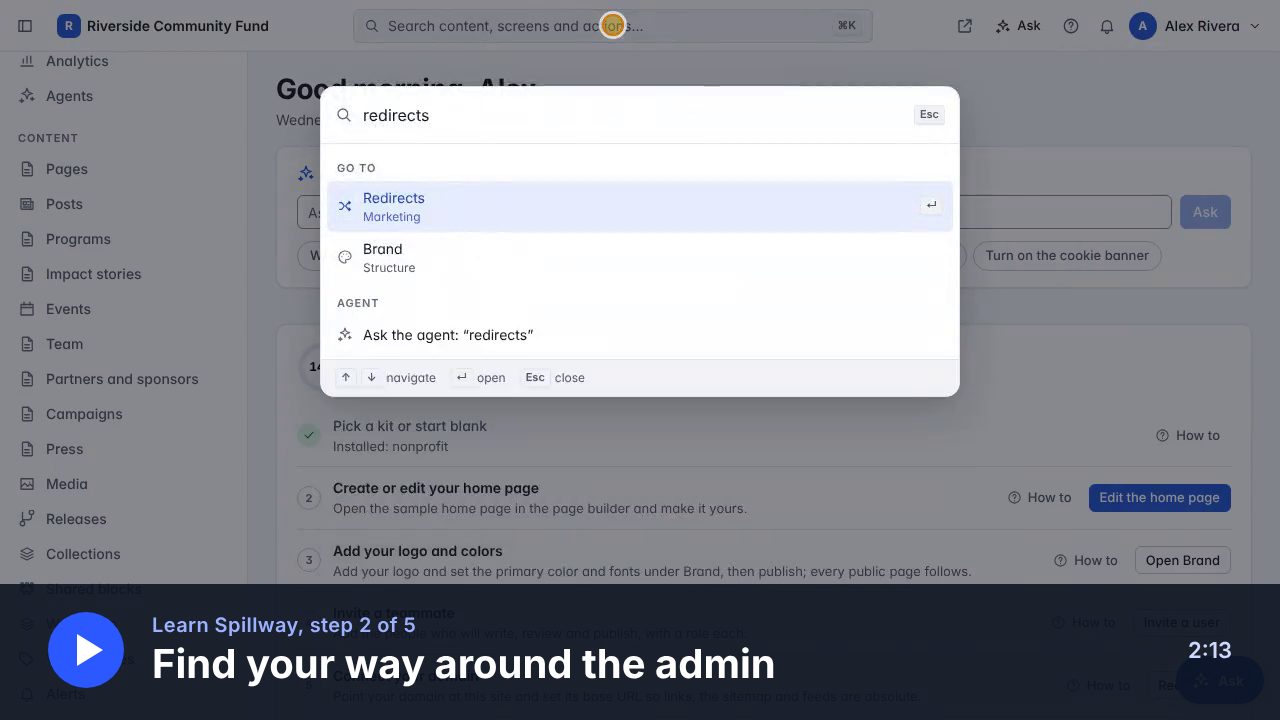
This video tours the Spillway admin: the dashboard, the sidebar, the top bar, Help, the command palette, Ask and the lists every screen shares. Watch it, with the transcript (2:13).
3. Build a page with the page builder
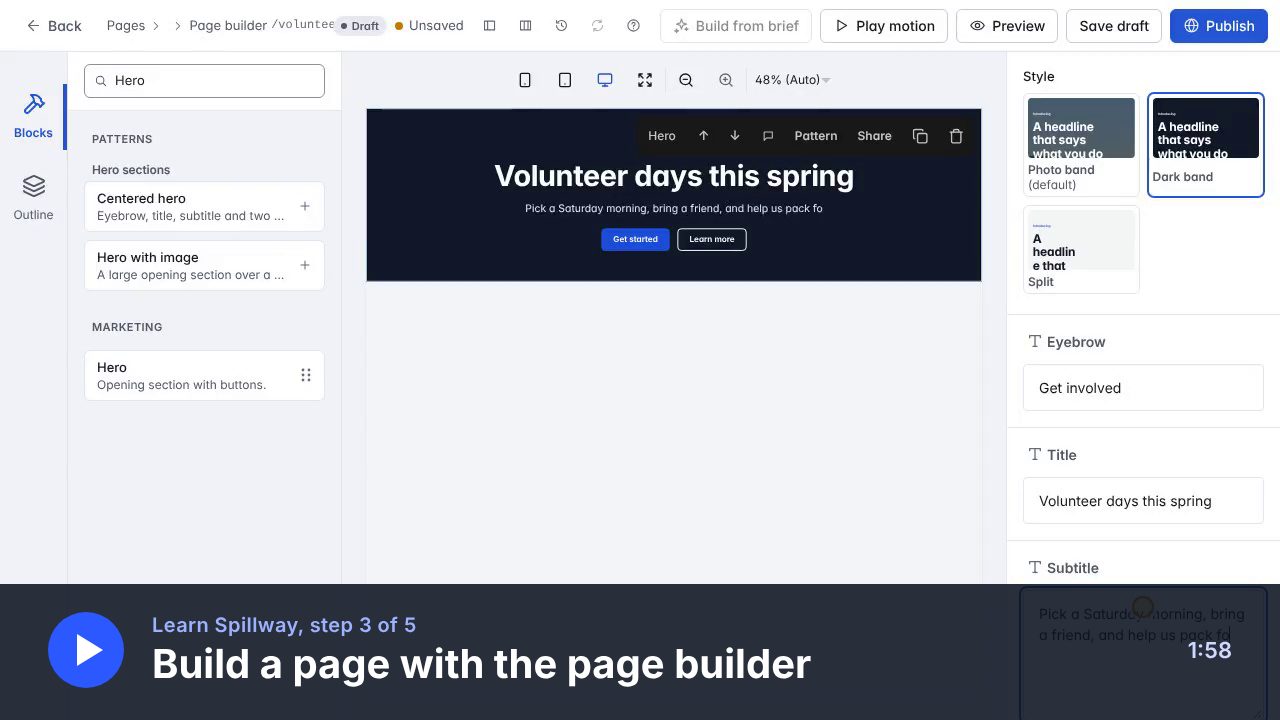
This video shows how to create a page in the Spillway page builder: add a hero, pick its style, edit its text, add a pattern, give a section a motion entrance and publish. Watch it, with the transcript (1:58).
4. Add an image from the media library
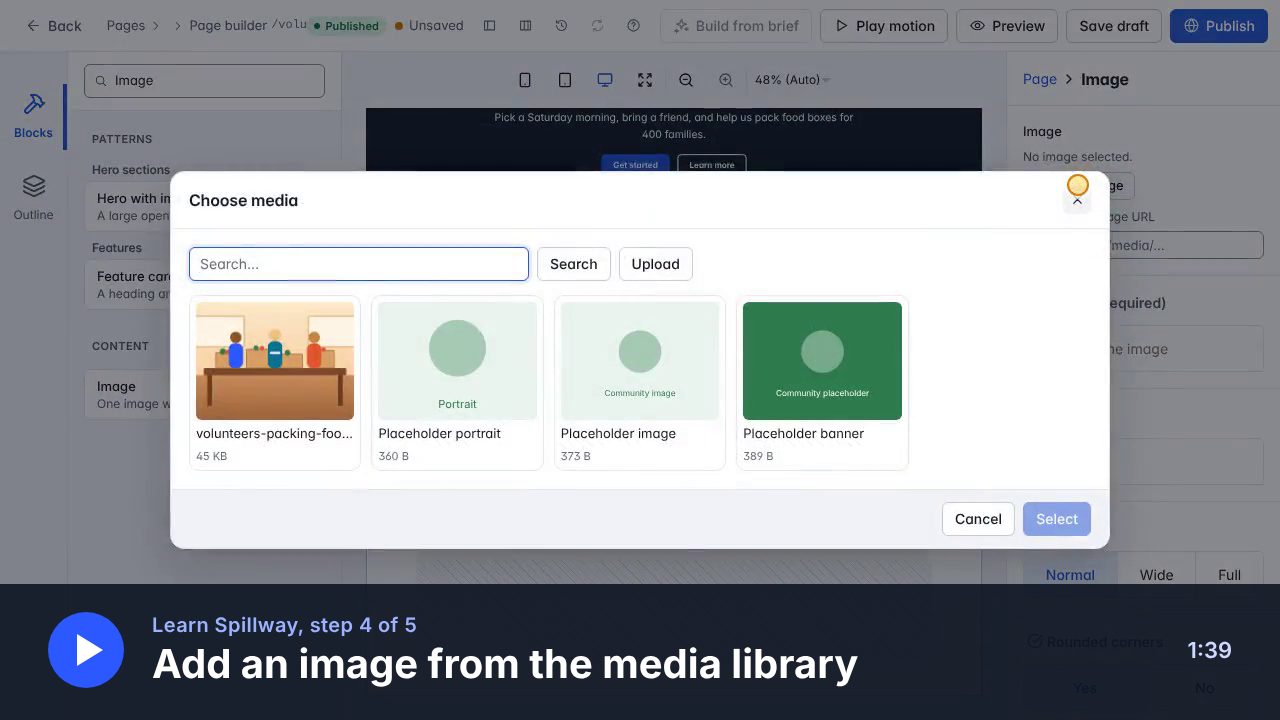
This video shows how to upload an image to the Spillway media library, set its focal point and alt text, and place it on a page with the Image block. Watch it, with the transcript (1:39).
5. Publish and schedule a release
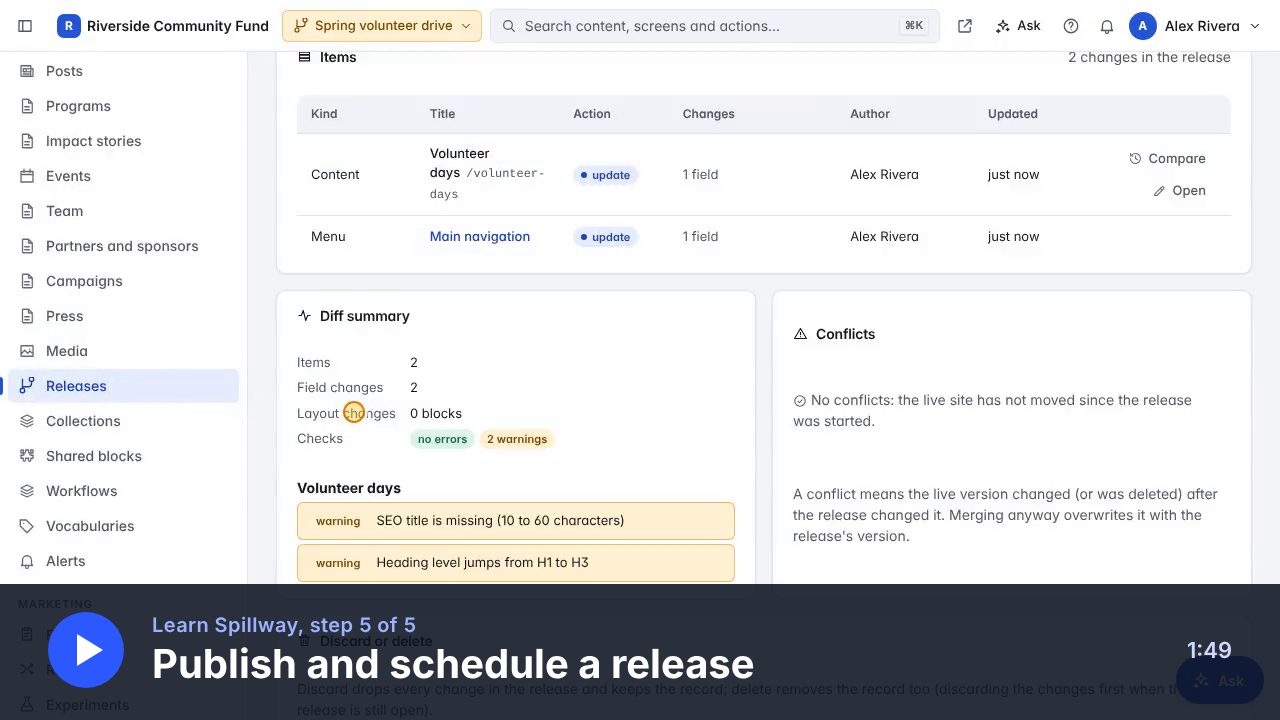
This video shows how to prepare a page change and a menu link together in a Spillway release, schedule its merge for a set time, and publish it. Watch it, with the transcript (1:49).